Cold email deliverability: authentication is only the start
Estimated reading time: 6 minutes
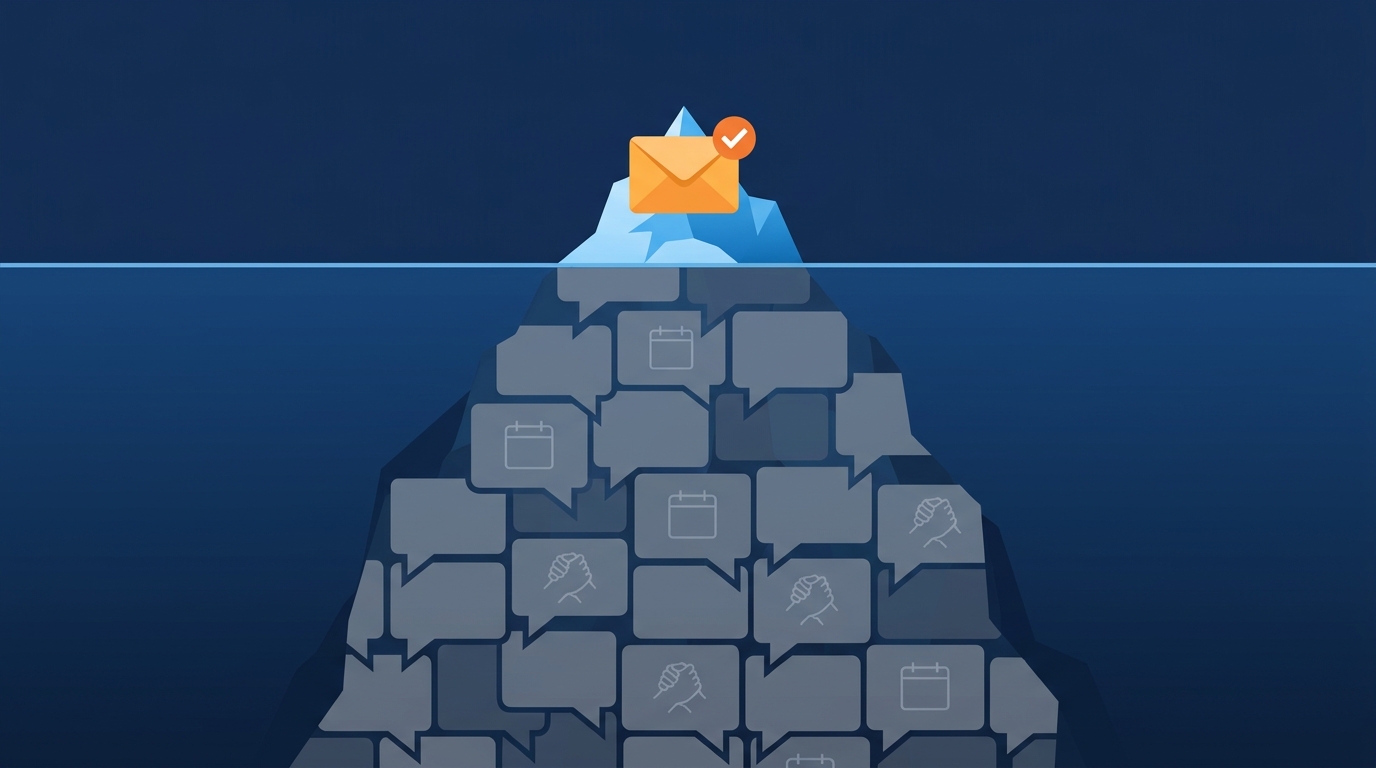
For B2B outreach, separate the ability to send a message from the evidence that it reached the right buyer. An authentication check, a delivery status, and a useful reply answer different questions.
Start with the failed stage before changing the campaign. A DNS correction will not resolve a message sent to the wrong purchasing role. Rewriting an email will not correct a broken sending configuration. Use the same distinction when an AI BDR operates the campaign: name the person who checks each stage and can stop it.
Use a cold email deliverability diagnosis map
We recommend keeping five checks separate:
| Check | Evidence to collect | Decision it supports |
|---|---|---|
| Authentication | Results on an actual received message, including the domains involved | Does this sending route authenticate and align as intended? |
| Acceptance | Sending logs, delivery responses, delays, and failure details | Did the receiving service accept, defer, or reject this message? |
| Placement | The observed folder or an authorized receiving administrator's event details | Where did this particular message go? |
| Account and message fit | Why the company fits, who owns the relevant work, and the reason to contact them | Is this a sensible B2B conversation to attempt? |
| Campaign operation | Exclusions, replies, opt-outs, recent changes, and the assigned owner | Should the next message run, change, or stop? |
Record unknowns as unknowns. A row marked “accepted” cannot fill the placement row. An inbox observation from one test account cannot establish placement across the prospect list. Neither observation establishes whether the buyer needs your offer.
Check the message that actually arrived
A configuration dashboard is a starting point. Inspect a message sent through the campaign's real sending route to a mailbox you control, or use an authorized administrator's diagnostic record. A test sent manually through another service may exercise a different setup.
Record the visible From domain, the domain used for SPF, the DKIM signing domain, and the authentication results. Compare those identifiers before assuming that separate green check marks mean the intended identity passed.
The DMARC standard requires a passing SPF or DKIM identifier to align with the author domain for a DMARC pass. It also states that a pass does not establish whether delivering the message to an inbox would be safe or desirable. Authentication validates a domain's use; it does not establish a good reason to contact an account.
Keep a redacted record of the result, the sending tool, and the time. Give the sending provider the relevant diagnostics when its infrastructure needs correction. Do not copy personal message content or recipient details into a shared worksheet when the domains and error details are sufficient.
Treat the DMARC policy as a separate decision
Changing p=none to p=reject is not a demonstrated cure for a cold campaign with no replies.
Google's sender guidelines permit p=none in their bulk-sender requirements for personal Gmail recipients. They still require alignment for direct email. That minimum does not decide the best domain-protection policy for your organization. Have the domain owner review authorized senders and their results before changing enforcement.
Keep the recipient scope explicit. Google's FAQ says these sender requirements apply to personal Gmail recipients, including mail sent by Google Workspace users. They do not apply to messages received by Google Workspace accounts. A B2B campaign can reach either type of recipient; the sender's business status does not tell you which policy you are checking.
Read the delivery event, not just the status label
A delivery label needs its provider's definition. In Exchange Online's message trace documentation, Microsoft explains that spam sent to Junk Email or quarantine can have the status “Delivered.” The event details identify the handling.
That is a concrete reason to ask what a tool's delivery metric measures. It is not a claim that every sending platform uses Microsoft's terminology.
For a failure or delay, retain the response and identify the affected route. Group observations by receiving service and sending setup before treating them as a campaign-wide problem. If only one route shows a repeated failure, start the investigation there.
For an accepted message with unknown placement, keep the placement result unknown. You can inspect mailboxes you control and seek help from the relevant administrator where access permits. Access to an external company's diagnostic records depends on that organization. Do not fill that gap with a claim that all unbounced messages reached inboxes.
Review sending behavior before buying more mailboxes
List what changed before the problem appeared. Useful entries include a new sending service, a different domain, a changed message or link, a new account segment, or a larger batch. Keep the timing beside the observed failures. The sequence of events gives you a testable lead; it does not prove the cause.
Our operating recommendation is to pause the affected work when a repeated error or complaint needs investigation. Assign the next check to the person who can act on it. Adding mailboxes first can make the same unresolved process harder to inspect.
Be specific about what “warm-up” means. Spamhaus's sender guidelines distinguish gradual sending from services that simulate opens, clicks, and replies. Spamhaus prohibits that artificial engagement and says the IP or domain will be listed. This is Spamhaus's listing guidance, not a universal mailbox-provider rule or a guarantee about another provider's decision. Its guidelines also require permission-based sending. Authentication and an address-validation result do not establish permission to contact the address owner.
We would not select a supposedly safe daily volume from an unsourced rule of thumb. Use the sending provider's applicable limits, the actual error evidence, and your capacity to review the campaign. Keep exclusions and opt-outs intact when a tool or sending setup changes.
Separate placement problems from a weak account hypothesis
Once the technical checks have evidence, inspect the business decision behind the message. Ask why this company could use the offer, why this person's responsibilities fit, and what the message gives them a reason to discuss.
For a complex industry, an AI-generated summary should lead back to the source that supports the claim. A company announcement may identify an area to research without establishing an active purchasing requirement. Check the qualification before using that announcement in outreach.
No reply is an unresolved observation. Possible explanations include placement, timing, a poor account choice, an irrelevant message, or a buyer who does not want the offer. Avoid choosing one explanation from the absence of a reply alone.
For a small, reputation-sensitive account list, manual review can be the better operating choice. Inspect each account and message when you have the capacity to do that. Our guide to AI BDRs in specialized markets covers the account-selection problem in more detail.
Keep a record that supports the next decision
Use one diagnostic row per observed message or clearly defined group. Keep the raw count and the observation period beside any rate. Do not mix a received-message test with a campaign-wide outcome.
| Worksheet field | What to record |
|---|---|
| Campaign and time | The campaign version, sending time, and observation time |
| Route | Sending tool, sender domain, and receiving service |
| Authentication evidence | The received results and domain identifiers, with personal details removed |
| Delivery evidence | The exact status or error and the relevant event details |
| Placement evidence | Observed folder, authorized diagnostic result, or “unknown” |
| Buyer hypothesis | Why this account and role fit; the source supporting the message |
| Next action | One change or check, its owner, and the condition for resuming or stopping |
Illustrative diagnosis. Suppose a controlled test message passes DMARC and reaches Junk Email. Record authentication as passed and placement as Junk for that test. Investigate the observed handling; do not change the record to “inbox” because authentication passed. If a later test reaches the inbox, record that second observation without declaring the whole campaign repaired.
Run the next investigation from one received message or delivery event. Write down what is known, what remains unknown, and who can perform the next check.
If someone else operates the campaign, use the AI BDR evaluation questions to establish who supplies the diagnostics and who can stop sending.